
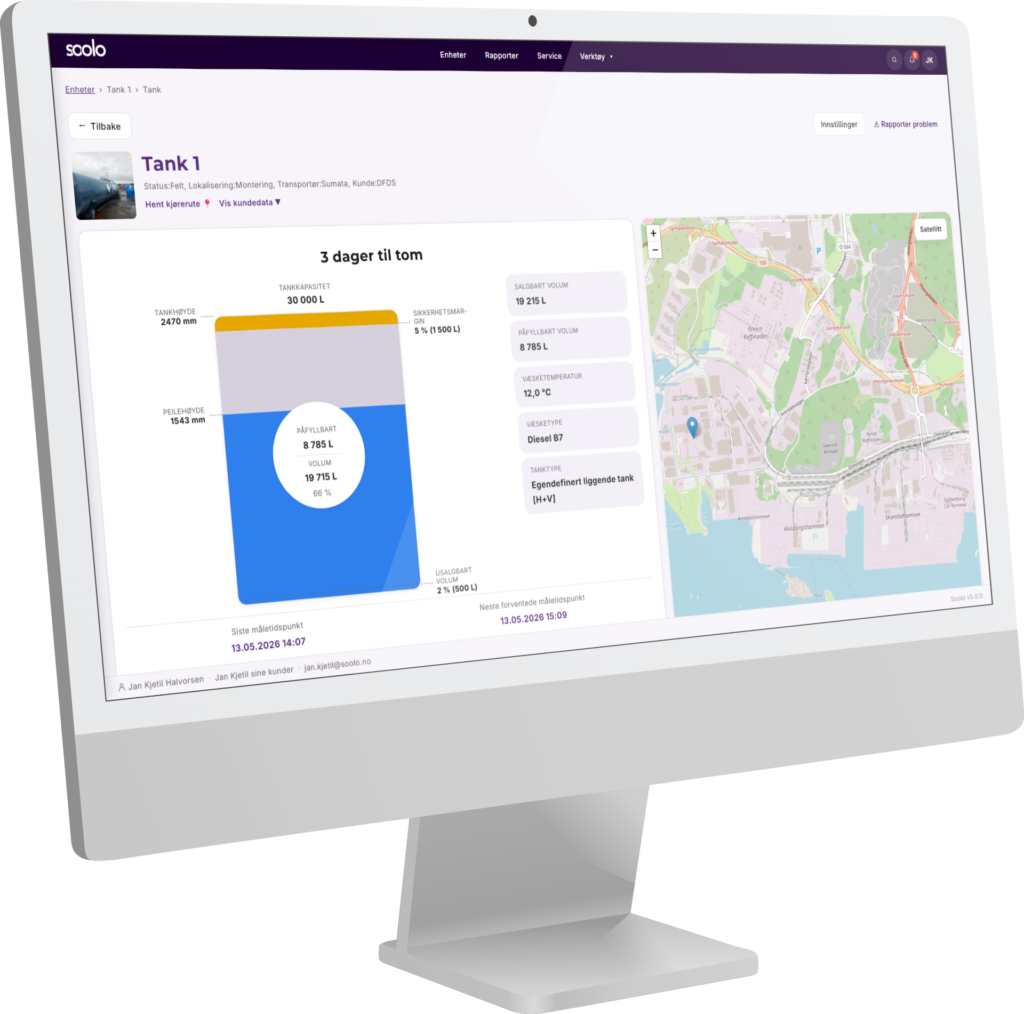
The whole – what has not changed
Overall, we have made sure that the identity of the portal has not changed. The basics of navigation are the same as before. You will still find the main menu at the top of the image, which allows you to navigate between units and reports, for example.

At the top right of the window you will still find a search function (which has been improved) and a bell icon and your own profile settings.
The unit list and the detailed view of each individual thought have retained their basic view. So you don't have to learn something completely new and unfamiliar.
The news
Generally
We have made sure that the portal is fast and easy to use. We have worked on performance improvements and a consistent design so that buttons, navigation and functions are easy to recognize.
The device list
In the new portal, we have cut unnecessary steps and take you directly to the device list when you log in. The main task of the device list is to provide a quick and good overview of devices that need inspection, refilling, emptying, etc.
Therefore, you now get an effective search field that allows you to quickly find a device regardless of whether you search by name, fuel type or something else in the list.

In addition, you can apply filters to each column and choose sorting on any column.

As many of our customers have different needs, you will now have the ability to choose which columns you want to display in your unit list, hide columns you don't need, and even choose the order of the columns in the number as you wish.

If you prefer to plan your trip using the map view, this will also work with search and filters. In addition, we have added more useful information on the map such as fluid type, volume and address, etc.

Detail view per unit
Based on feedback from our customers, we have improved the way we present data. We have learned what is most important and what is less important, and in this way we have adjusted the graphics so that you can get the information you are looking for more easily and quickly.

We've updated the graphs to make it easier for you to navigate historical data, zoom in on a specific time period, view graphs in full screen, and export reports directly from the graphs to PDF.

Device settings
For administrators, there will be a new menu under the device settings that is now located on the left side. With many menu options, it is easier to keep track of and navigate with such a menu. The content is the same as before.
